Fidelity and Performance Over All
A mind-blowing portfolio. Hopefully.
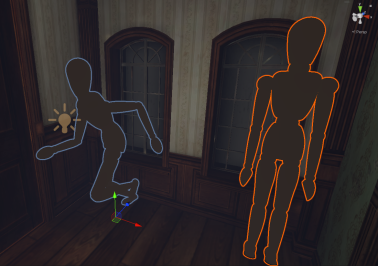
Our thesis concerned the use of eye-tracking in VR-gaming. The purpose was to mimic eye-tracking interactions, without the use of eye-tracking technology.
We called this vision-based interactions. The project was built with C# and the Unity game engine, with the use of a Meta Quest 2.
Underneath is an excerpt from the thesis.
"Gaze interaction in video games, using eye tracking, is in growth. No longer only used for novelty interaction but also as an integral part of the game’s mechanics. However, while gaze interaction is becoming more and more prevalent, gaze aversion appears to continue in novelty. Within this paper, we explore the dichotomy of ”see” and ”not see”(look, don’t look”) interactions with what we define as ”vision-based interactions” as an alternative to traditional eye-tracking gaze interaction for VR horror game elements
...
Our results suggest that we might be capable of expecting different interactions with differing intricacies to elicit stronger responses from users to VR horror game elements.""
Underneath is an excerpt from the thesis.
"Gaze interaction in video games, using eye tracking, is in growth. No longer only used for novelty interaction but also as an integral part of the game’s mechanics. However, while gaze interaction is becoming more and more prevalent, gaze aversion appears to continue in novelty. Within this paper, we explore the dichotomy of ”see” and ”not see”(look, don’t look”) interactions with what we define as ”vision-based interactions” as an alternative to traditional eye-tracking gaze interaction for VR horror game elements
...
Our results suggest that we might be capable of expecting different interactions with differing intricacies to elicit stronger responses from users to VR horror game elements.""
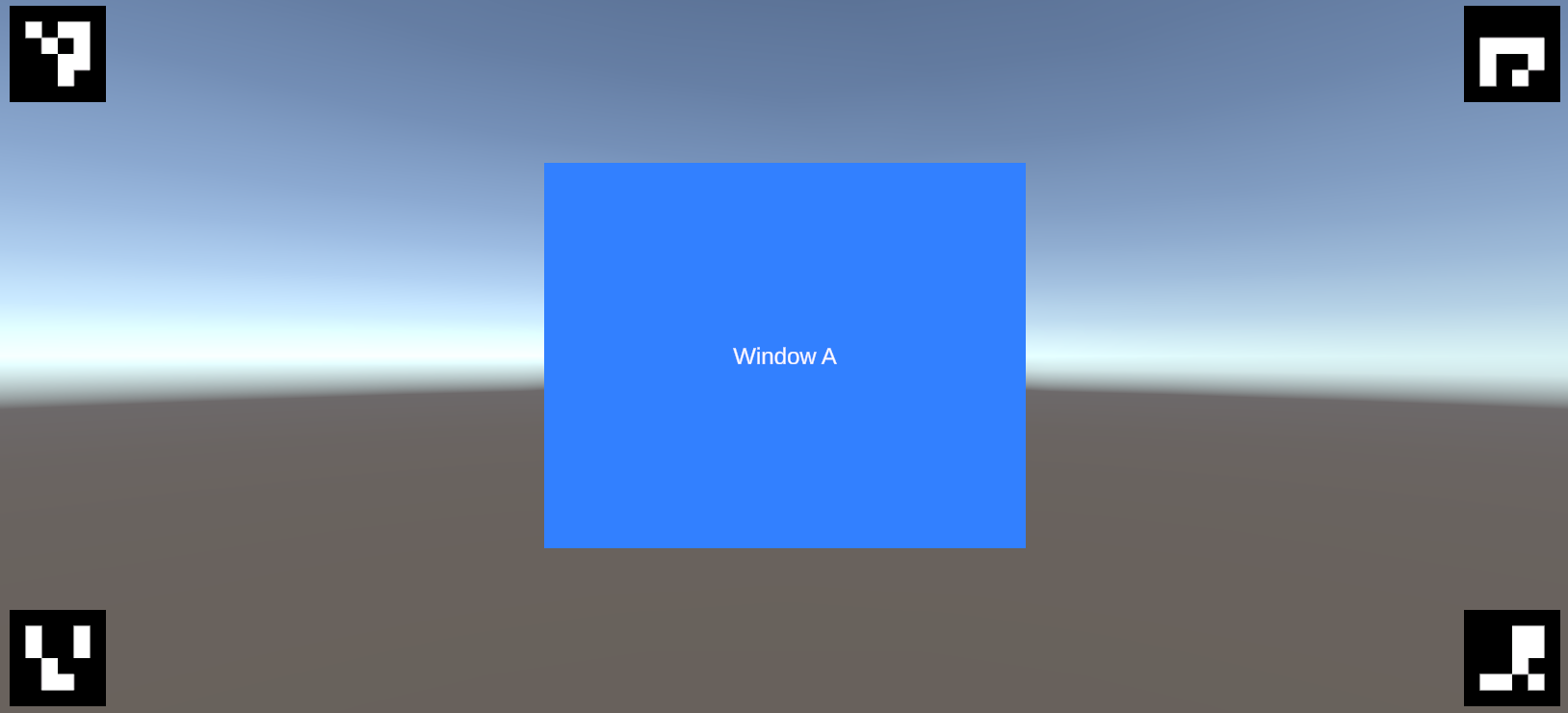
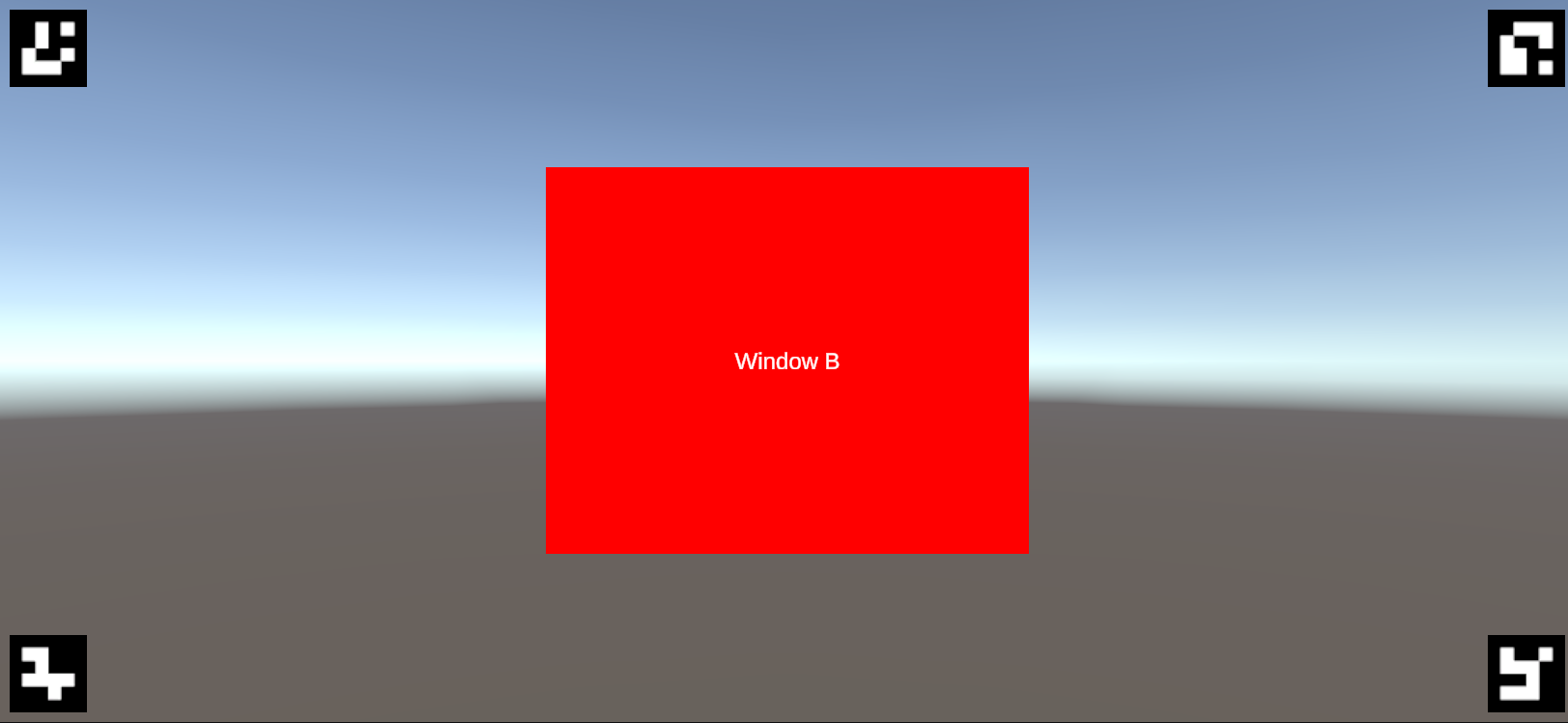
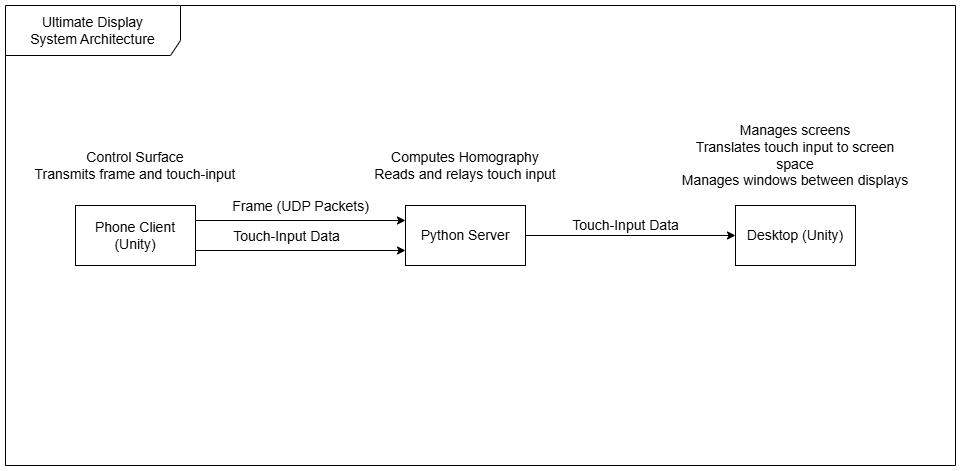
Challenged with trying to fulfill Sutherland's idea of "The Ultimate Display", this project uses two or more displays to create a collaborative multi-display system. This system is infinitely scalable (theoretically) and uses a novel combined display modality to promote spontaneous collaboration.
- The user has something on their workstation display they would like to share
- The user pulls out their phone
- The user points it at their own screen
- The user can now control their WIMP interface using the phone's touch-input as a control surface
- The user can drag-drop elements from their screen, onto a shared screen (such as a projector) in the shared space.
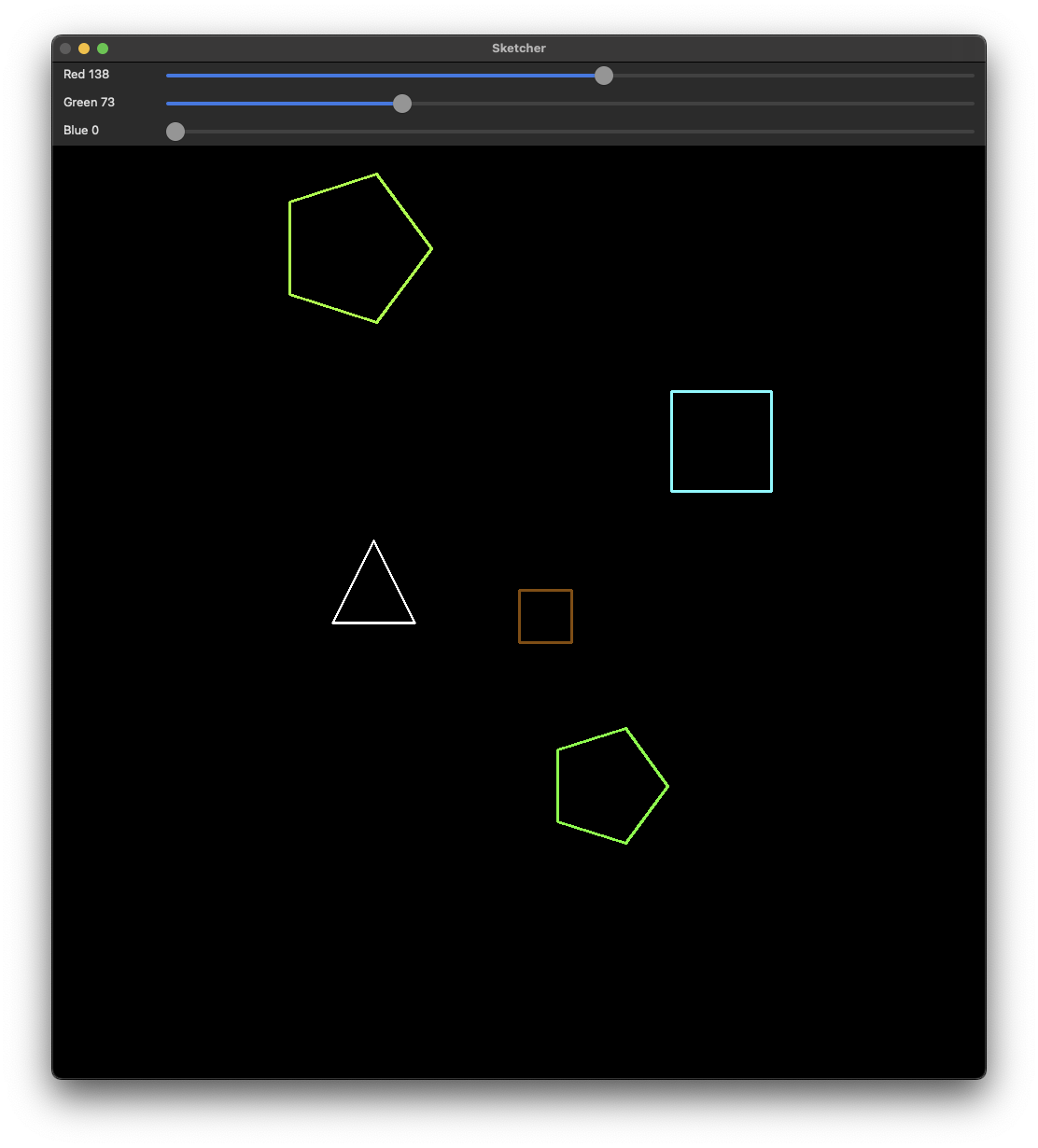
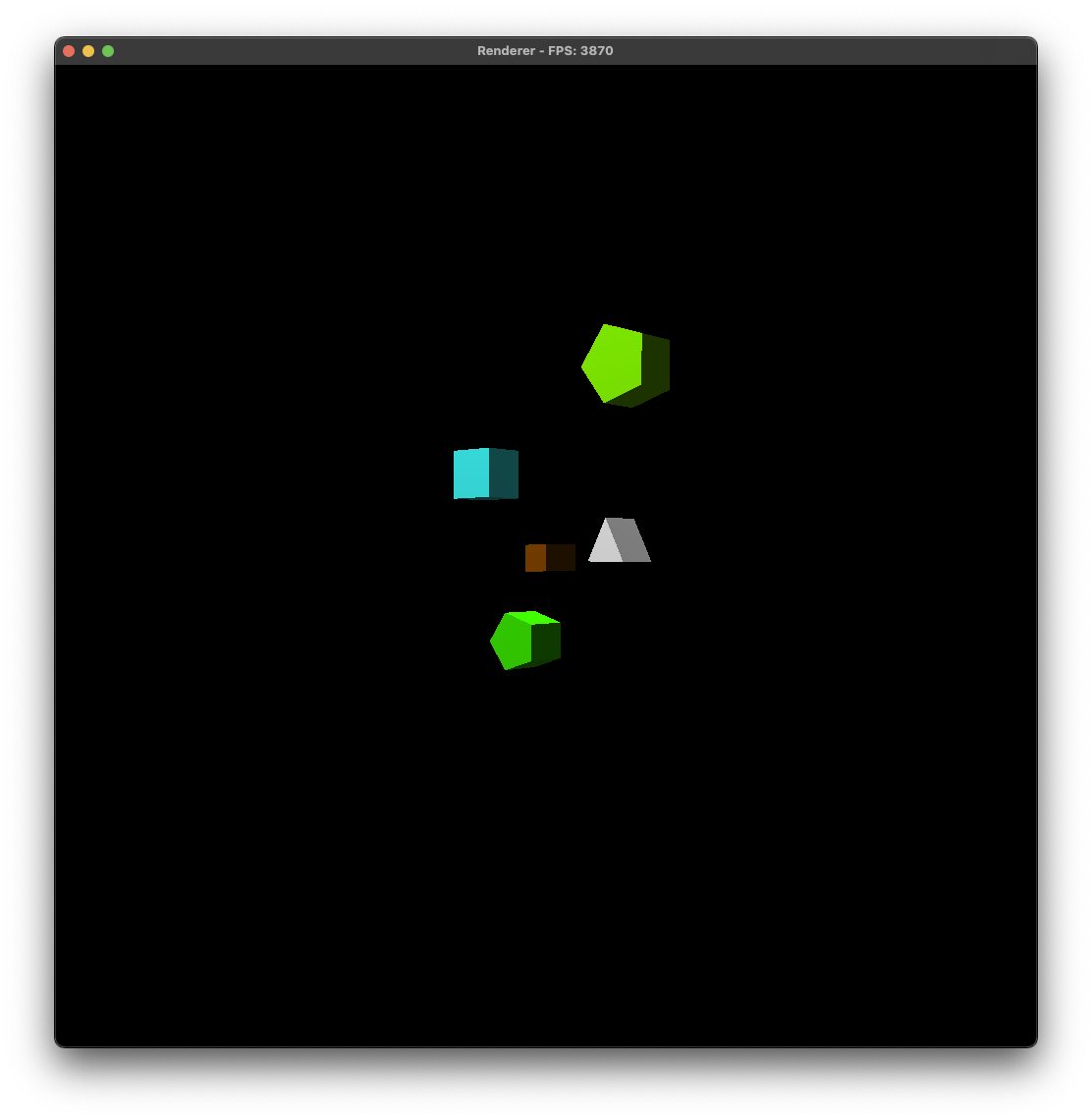
As a student of Visual Computing, I wanted to build an application that was capable of bridging the gap between computer vision and computer graphics. As such, I developed an application that allows the user to draw shapes in one window, and see them rendered in real-time in another.
My project shows the user a 2D sketchpad window, in which the user is able to draw either a triangle, square, or pentagon contiguous shape in whichever color they specified in the trackbars above the sketching window. Once the user is satisfied with the shapes that they have drawn, they can have the shapes rendered in 3D in the rendering window. The shapes will retain their relative position that they had in the 2D sketchpad, and will be rendered in chosen color from the sketchpad as well. The user can then extrude the shapes however much they want.
To make this project, computer vision techniques for contour and vertex approximation and computer graphics for 3D rendering and extrusion are both required
My project shows the user a 2D sketchpad window, in which the user is able to draw either a triangle, square, or pentagon contiguous shape in whichever color they specified in the trackbars above the sketching window. Once the user is satisfied with the shapes that they have drawn, they can have the shapes rendered in 3D in the rendering window. The shapes will retain their relative position that they had in the 2D sketchpad, and will be rendered in chosen color from the sketchpad as well. The user can then extrude the shapes however much they want.
To make this project, computer vision techniques for contour and vertex approximation and computer graphics for 3D rendering and extrusion are both required